
Campus One-Card Procurement Checklist: Equipment, Budget Breakdown and Acceptance
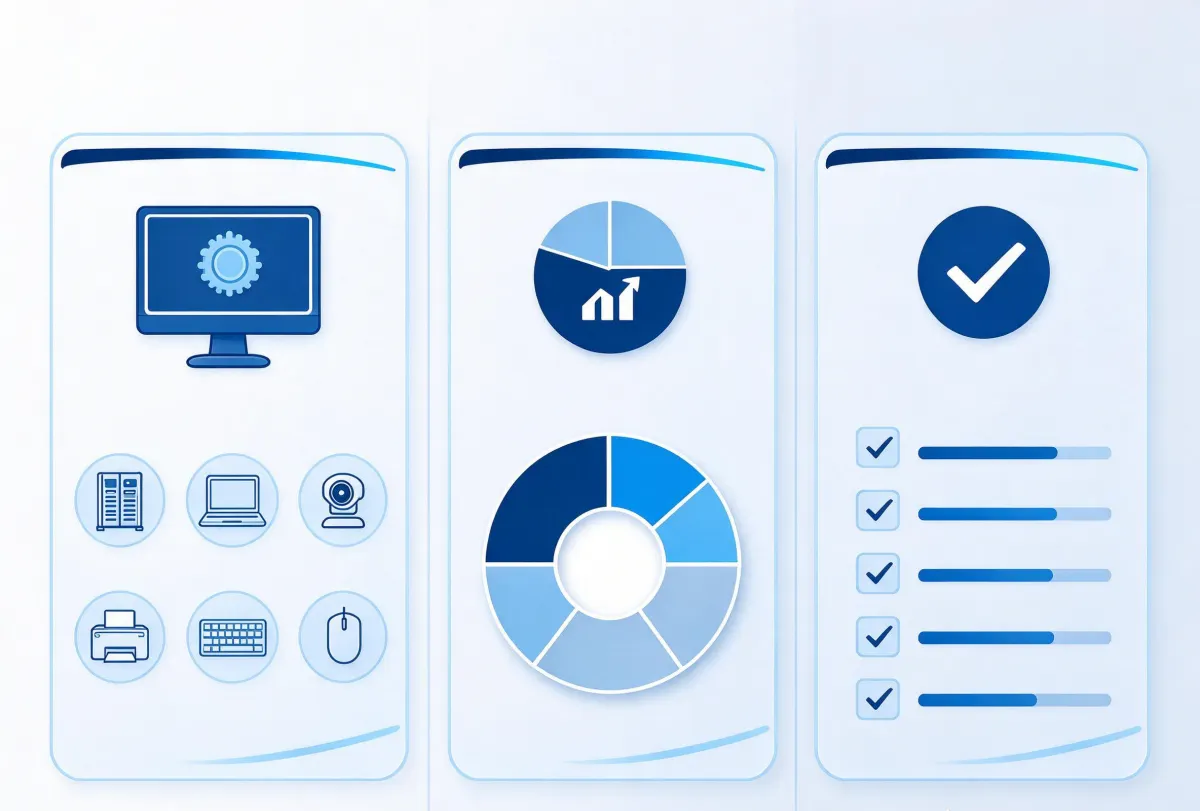
In a campus one-card tender the real risk is not paying too much, it is missing line items. The equipment list looks immaculate and then implementation reveals that nobody budgeted cabling, card issuance, or the interface fee for the student records system. Use this checklist to match line by line; budget ratios are at the end.
Step one: decide what this phase actually covers
The usual modules are: canteen payment, shop or kiosk payment, access control, attendance (staff and students handled separately), library borrowing, water control (showers and boiling water), school bus or parking, and top-up (cash window, self-service terminal, online).
My suggestion is to pick the two or three modules that must go live this phase and leave interfaces ready for the rest. Launching all eight at once blows both budget and schedule, and the first term is a shakedown period — too broad a scope and the whole school complains at once.
Equipment list, by subsystem
· Management centre: server or cloud host, one-card platform software, card issuer, desktop reader/writer · Payment: desktop or wall-mounted POS terminals, collector or switch, top-up machines (staffed window or self-service) · Access control: controllers, readers, electric locks, exit buttons, fire-alarm linkage modules · Water control: water controllers, solenoid valves or flow meters · Card office: cards (order 1.2 × headcount), card printer
How the budget splits
For a typical 2,000-student secondary school the proportions run roughly: hardware 55–65%, software platform 10–15%, cards and issuance 8–12%, cabling and consumables 8–12%, implementation, training and support 5–8%.
Cabling and consumables are what people underestimate. On older buildings, chasing, conduit and cable tray frequently cost more than the devices themselves, especially where you have to break ground or bring power across buildings. Make the installer survey the site before quoting; do not accept a fixed per-point estimate.
Six parameters to confirm before buying
· Headcount and peak concurrency: decides terminal count, roughly one terminal per 200–300 people · Card type and quantity: ID, IC or CPU, ordered at 1.2 × headcount · Offline capability: how many records are stored offline, and whether offline limits and transaction counts can be set per meal period · Integration: do you need to connect to student records, finance or library systems, who supplies the interface, who pays for it · Power and network on site: does the canteen have ports, is 220 V available at each door · Support terms: warranty length, spare-part response time, whether on-site training is included
Three traps
· Comparing device prices without comparing implementation capability. The hard part of a one-card system is always on site; cheap hardware nobody can commission is scrap · Ignoring integration cost. Student records systems are usually third-party, interfaces are charged separately and take time — the contract must state who delivers what and by when · Leaving no room to grow. Phase one is canteen only, phase two wants access control and water control, and if the platform is not modular, phase two means starting over
Four tests to run at acceptance
· Peak test: run for 30 continuous minutes at lunch, recording response time and failed transactions per terminal · Network-loss drill: pull the cable and run for 30 minutes, then verify every record arrived intact · Three-way reconciliation: terminal records, platform records and finance report line by line — the difference must be zero · Card sampling: pick 50 cards at random and test reading and payment to catch printing or encoding faults
Bottom line
Follow the checklist and nothing gets missed, but what really decides a one-card project is the site survey before it and the acceptance tests after. Pull cabling and system integration out, agree them explicitly and put them in the contract — that removes most of the pain.